
The offline developer toolbox for Mac.
Paste JSON, a JWT, a URL, Base64 or anything else. DigitCube recognizes it, opens the right tool and keeps your input while you try others. 54 utilities, one native window, nothing sent anywhere.
Download on the Mac App Store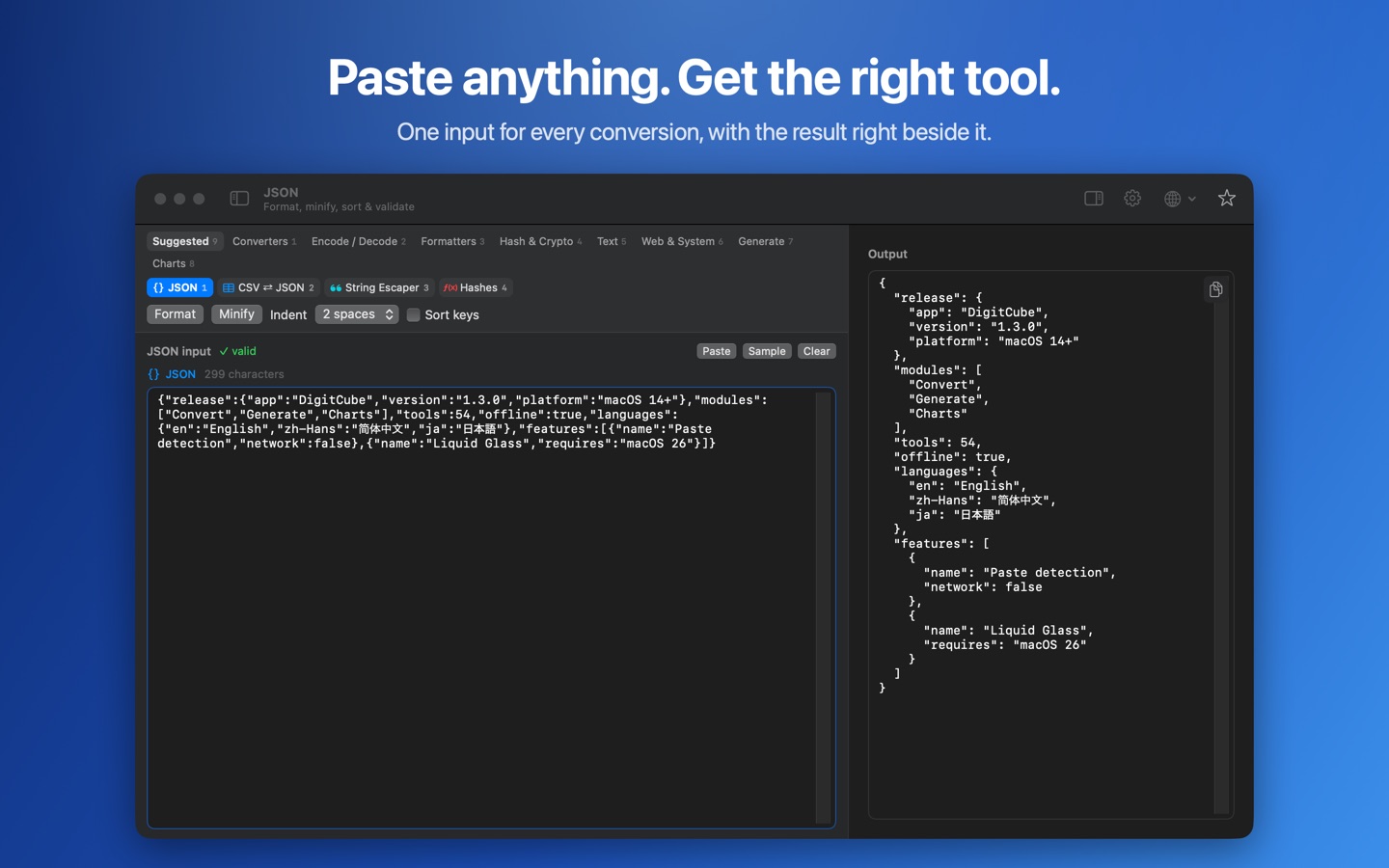
Convert
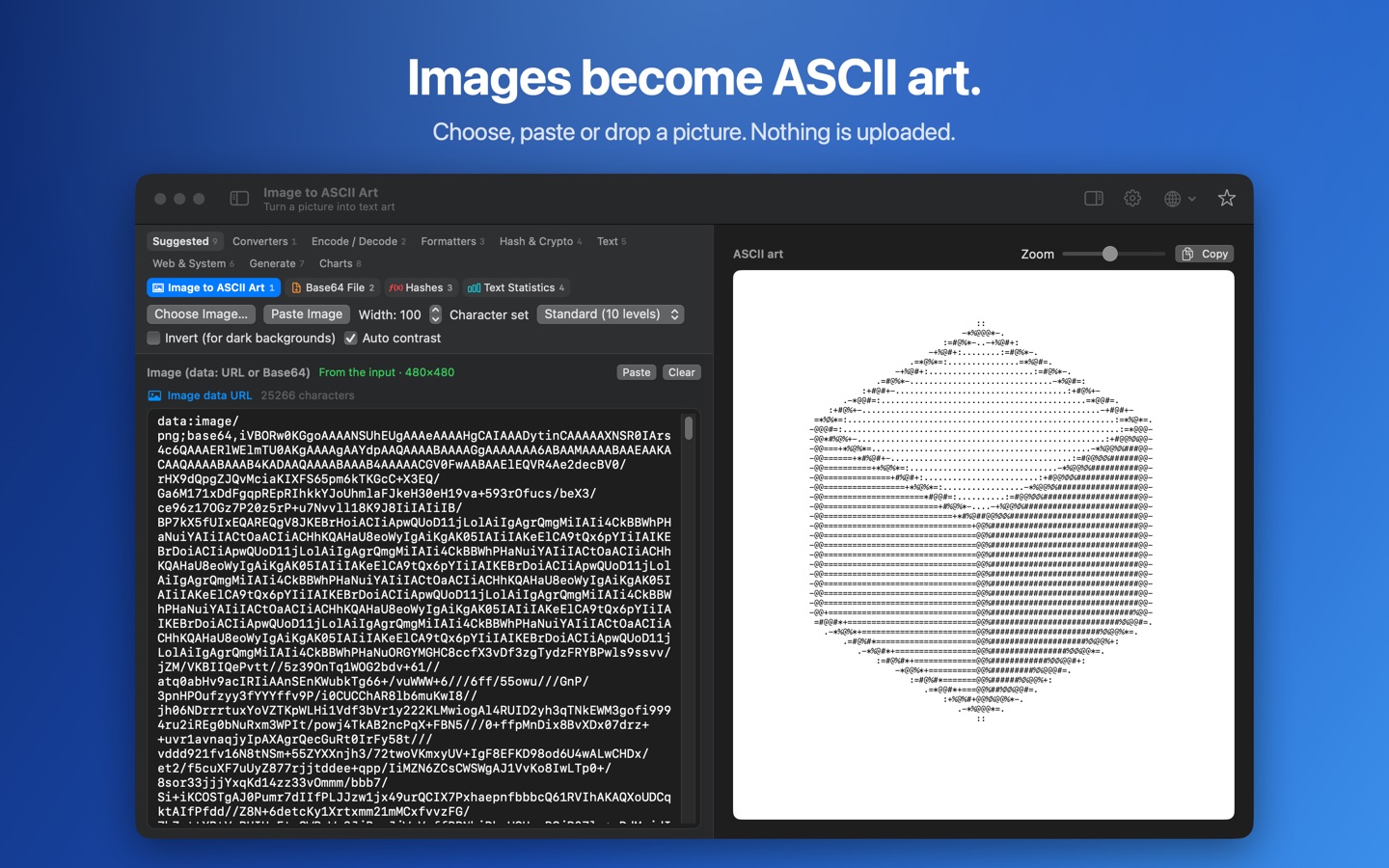
One input for every conversion: format JSON, JavaScript, HTML, CSS, XML and SQL; encode and decode Base64, URLs, HTML entities, hex, Unicode escapes and Morse; decode JWTs; calculate hashes and HMACs; encrypt and decrypt locally; compare text, test regular expressions, preview Markdown; convert units, timestamps, colors, number bases and CSV; make QR codes and ASCII art from images.
Charts
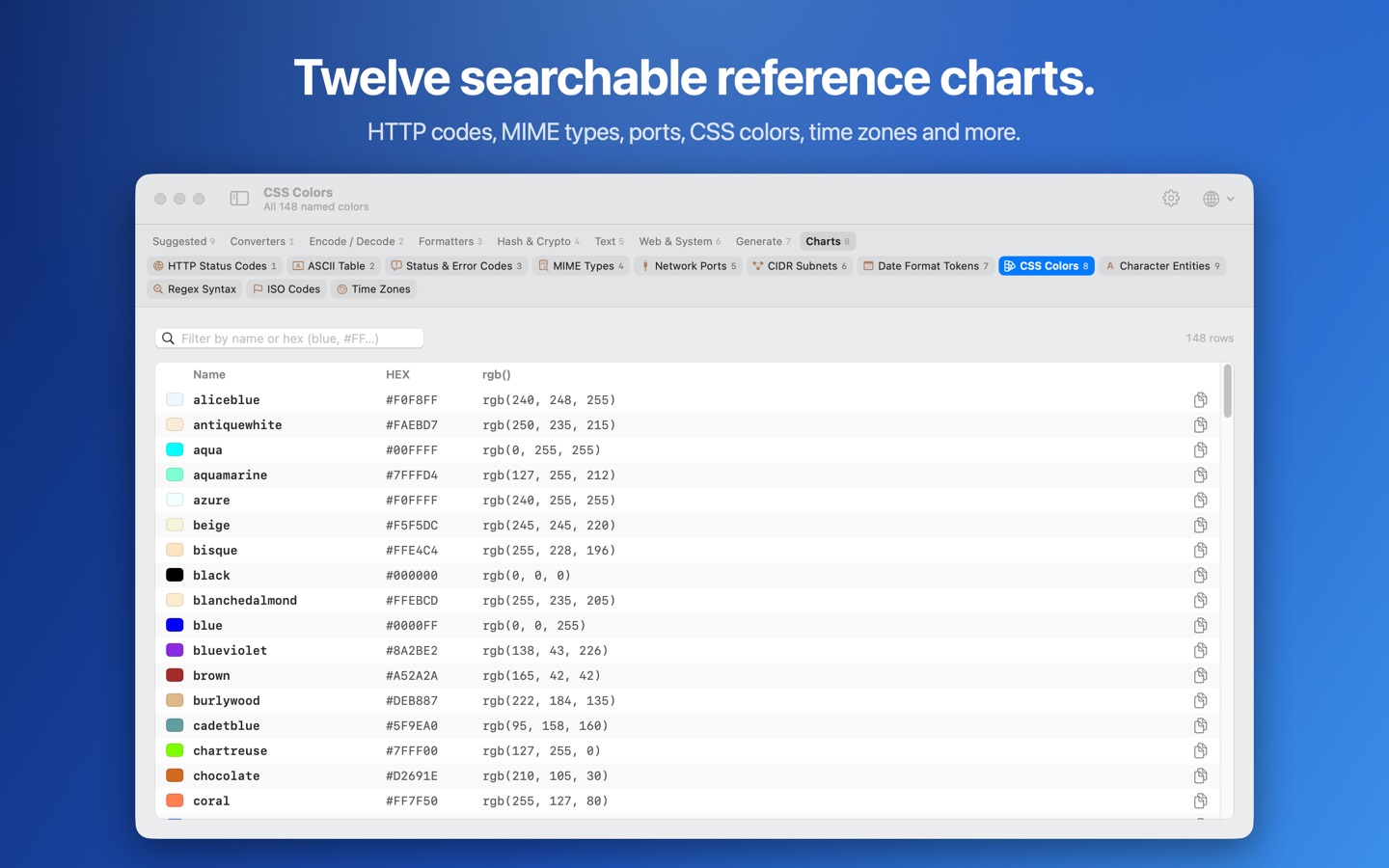
Twelve searchable references: HTTP and other status codes, ASCII, MIME types, network ports, CIDR subnets, date-format tokens, CSS colors, character entities, regex syntax, ISO codes with calling codes, and time zones.
Generate
UUIDs, strong random passwords and Lorem Ipsum, from the system's secure random number generator.
Private by design
DigitCube makes no network requests of its own: no account, no analytics, no AI service. It's available in English, Simplified Chinese and Japanese, with a Liquid Glass theme on macOS 26, and runs on macOS 14 or later on Apple silicon and Intel Macs.