 DigitCube
01 / CONVERTPaste once.
Paste once.
Keep going.
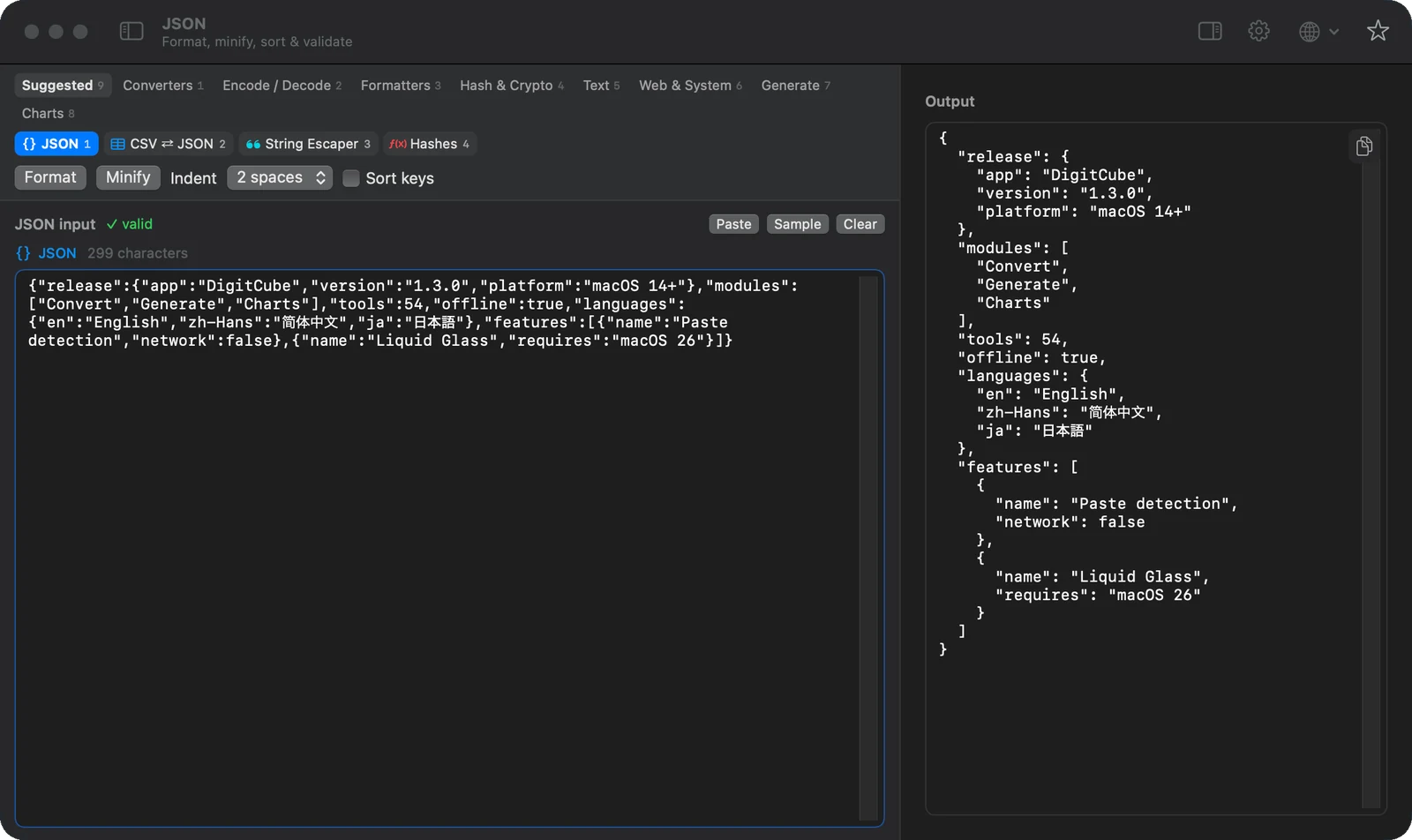
JSON, a JWT, a URL, Base64. DigitCube recognizes what you paste and suggests the right tools. Switch conversions and your input comes with you.
Your everyday Mac toolbox
Format, convert, decode, and keep moving. 54 useful tools in one native Mac app, with everything staying on your Mac.
On the Mac App Store · macOS 14 or later
One input. Every conversion. A shortcut away.
⌘0Made for Mac. Apple silicon & Intel.
Entirely offlineA SMALLER DETOUR
The tools you keep reaching for, together in one quiet place. Keep your input and try another conversion whenever you need it.
JSON, a JWT, a URL, Base64. DigitCube recognizes what you paste and suggests the right tools. Switch conversions and your input comes with you.
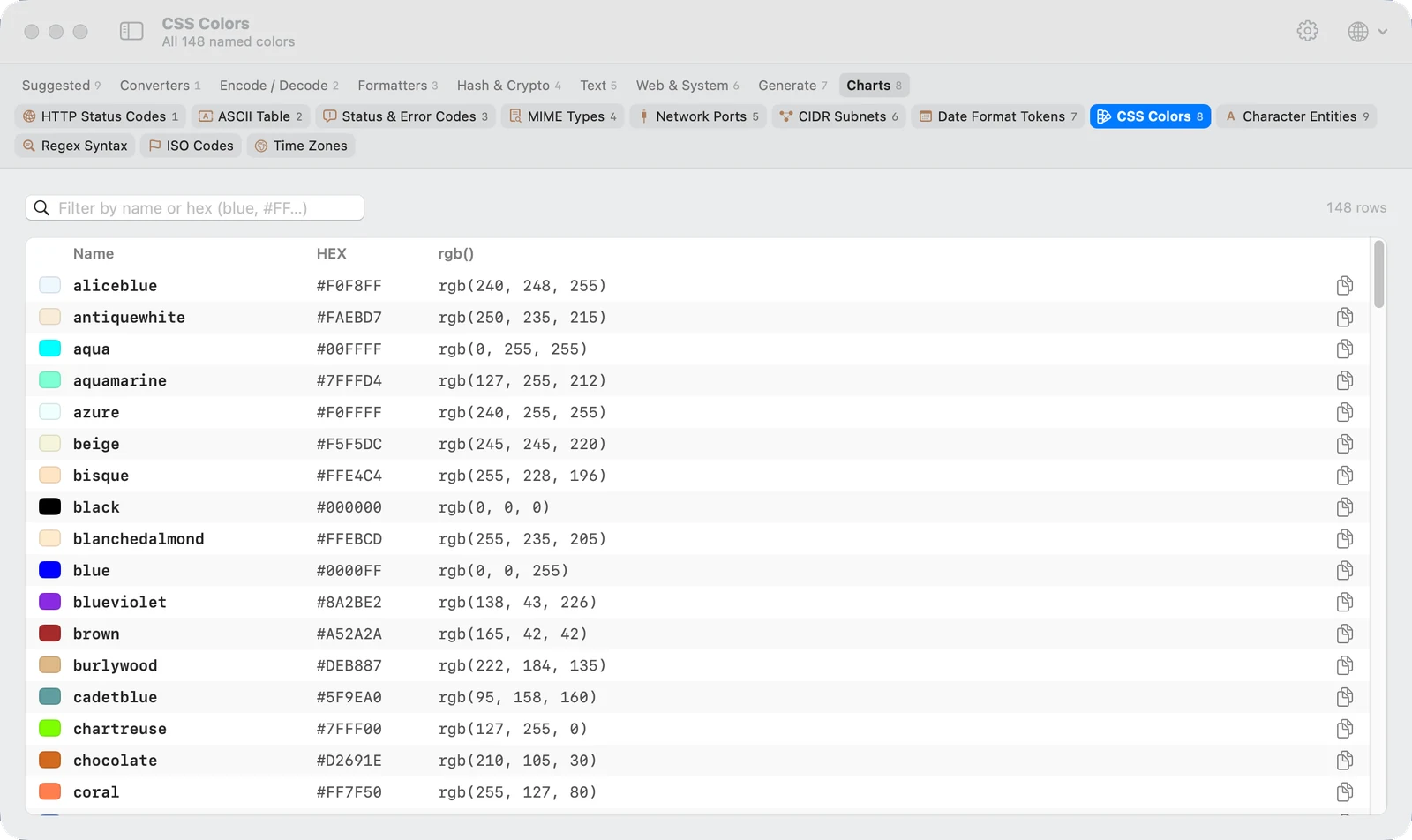
HTTP codes, CSS colors, MIME types, network ports, time zones. Twelve searchable references, right where you work.
Make UUIDs, strong random passwords, and just enough Lorem Ipsum. Set your options, generate, copy, and get back to it.
f48d3a21-9c70-4b8e-a623-35f1d908e7cbr8#Km2!vQ9$zN4&pLorem ipsum dolor sit amet,
consectetur adipiscing elit.
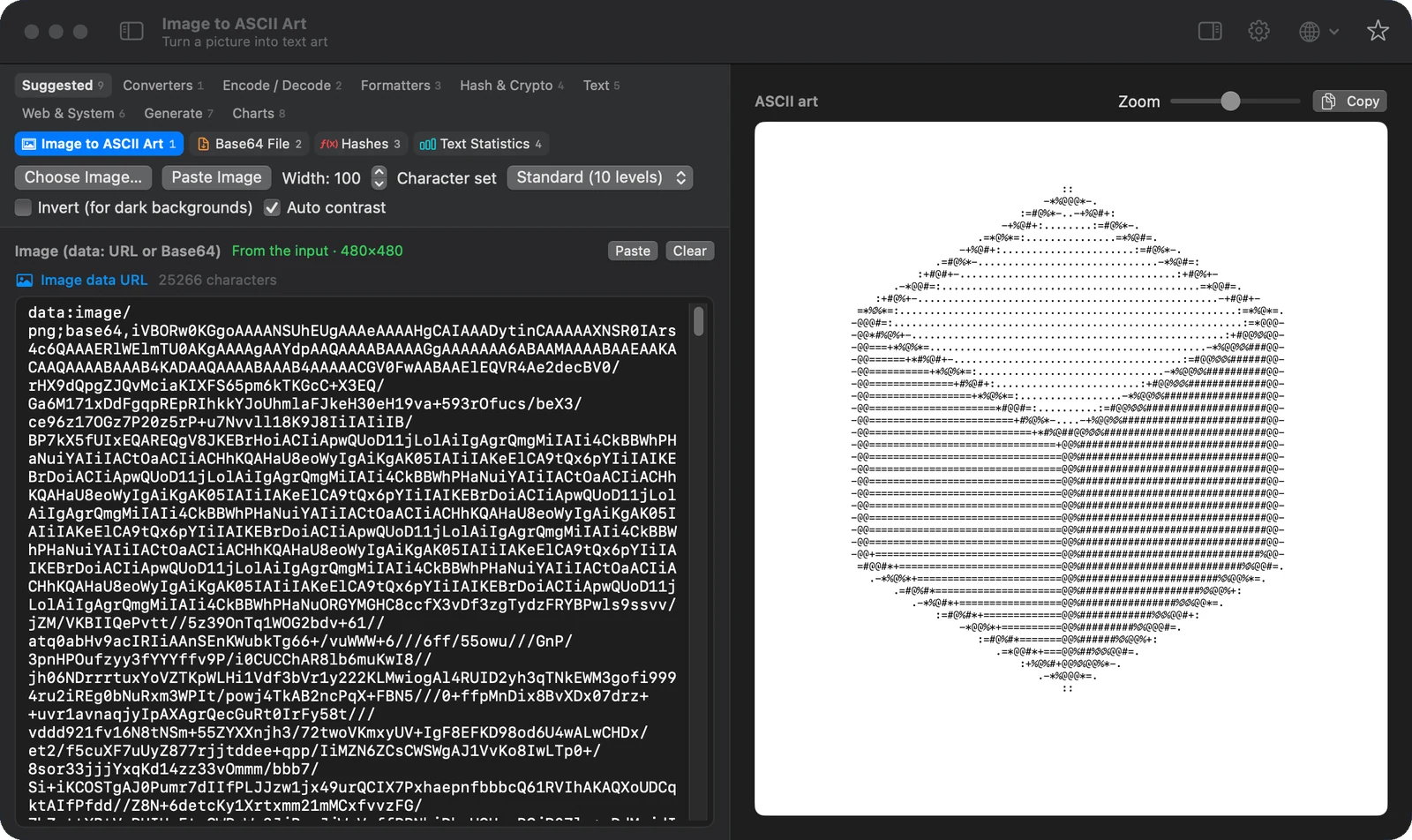
Turn a picture into ASCII art, make a QR code, preview Markdown, or find just the right color. Small tools for the unexpected bits of your day.
PROUDLY OFFLINE
Code, tokens, passwords, and files stay with you. Every conversion runs locally, so your next small task stays a small task.
Read our privacy policyOpen the app and get straight to work.
Your content is processed on your Mac.
Your toolbox minds its own business.
THE LITTLE THINGS, CONSIDERED
A native app that feels at home on your Mac, down to the shortcuts and the details.
⌘ F finds any tool. ⌘ 1–9 selects a category, and ⇧ ⌘ 1–9 picks a tool in it.
Format code, decode tokens, compare text, convert units, test regex, calculate hashes, and more.
A generous shared input and an output drawer beside it. Open what you need and tuck the rest away.
Use the whole app in English, Simplified Chinese, or Japanese. Change languages in Settings.
A Classic theme and Liquid Glass on macOS 26 or later, both with light and dark appearances.
Star the conversions you use most. They get their own shelf, ready for the next paste.
No. All 54 tools work offline. There’s no account, external AI service, or content upload. Even Markdown previews render locally.
DigitCube runs on macOS 14 Sonoma or later, on Apple silicon and Intel Macs. The optional Liquid Glass theme needs macOS 26 or later.
Built-in patterns recognize formats such as JSON, JWT, URLs, and Base64, and suggest matching tools. Paste into an empty Convert workspace to open the best match. Switch tools to reuse the same input.
Choose a category above the input, or press Command-F to search every conversion, generator, and chart. Use the arrow keys and Return to open a result.
Made by the same independent developer.

Clipboard history as cards: browse, search and paste every copy.
copyccino.starvale.io
A native Markdown editor. A quiet place to read, write and think.
twainty.starvale.io
Pin screenshots, files and notes beside your work. Now on the App Store for Mac, iPhone and iPad.
pensile.app
Deep clean for macOS. Clear what apps leave behind and see what fills your disk.
gobystation.com